How to make a stamp:
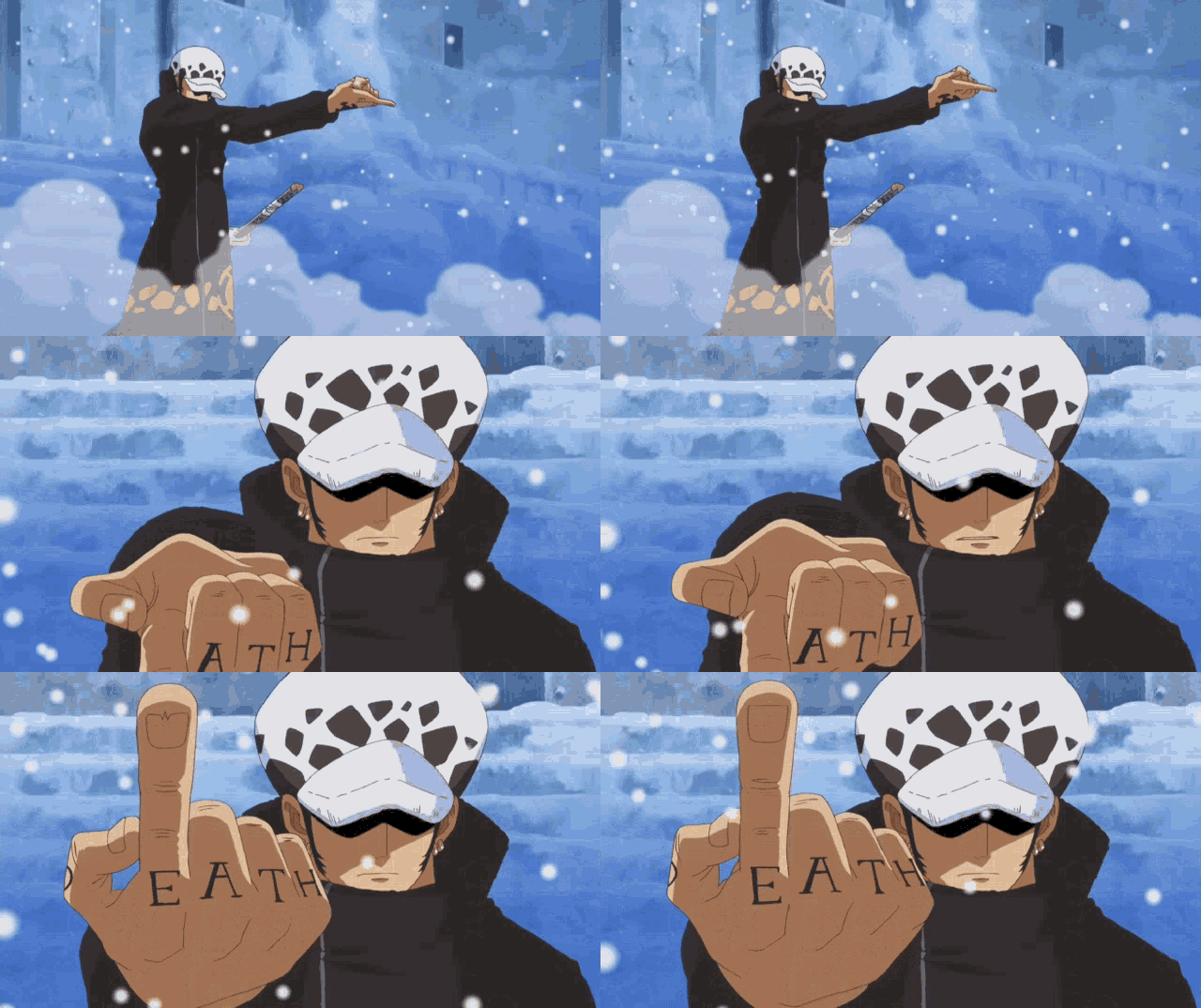
Add gif to procreate
1. Save to photos
2. Go to photos app on device where procreate is saved
3. Find the gif & press the share button
4. find procreate app
This will allow all the frames of the gif to upload on procreate.
Resize your gif/image:
1. Click the wrench icon & toggle on Animation Assist
2. go to the wrench icon
3. click on "crop & resize"
4. click on "settings" (top right)
5. Make sure to toggle on "Resample Canvas"
6. change the first box to 99 and the second box to 55
7. click on the check.
This will make your gif the size of a stamp c:
How to add a frame to your stamp on Procreate.


May 2026